
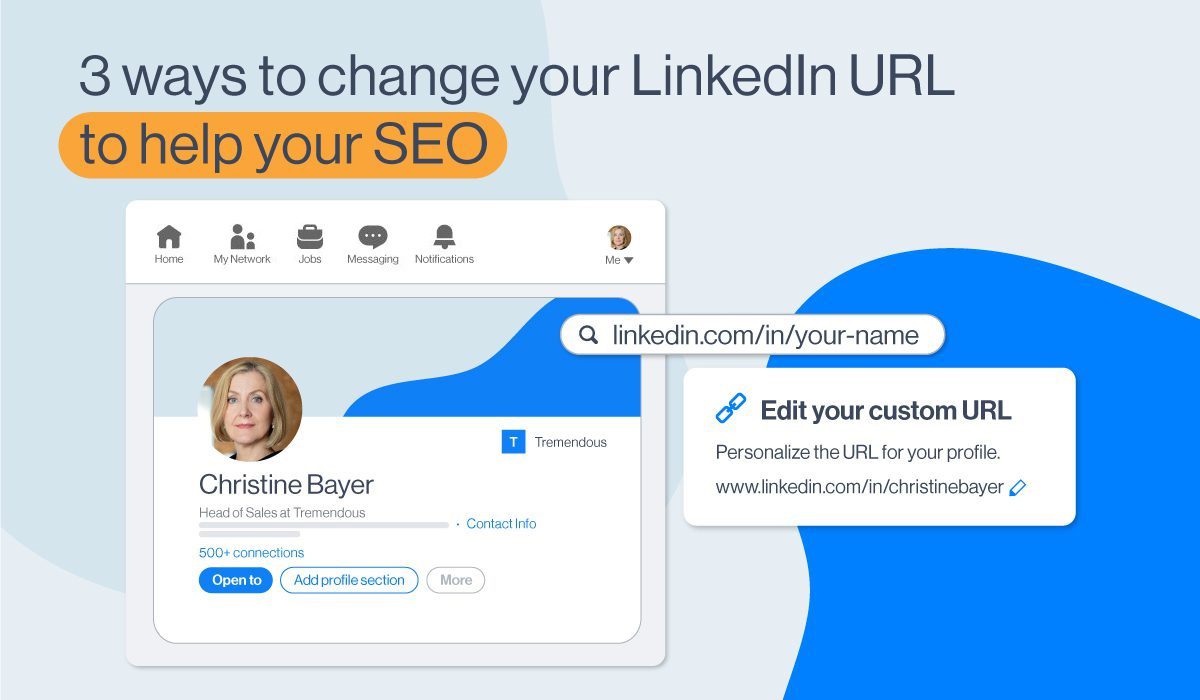
There’s a funny moment almost everyone encounters at least once on LinkedIn. You’re filling out a job application, someone asks for your profile link, and suddenly, your mind draws a blank. You know you’ve seen it before. You know it’s somewhere in your profile. But in that instant, you begin searching: how do I find it again? That’s when people look up things like how to get a LinkedIn profile link, often in a rush, occasionally with mild panic. And the moment you find it, the relief is almost comical.
LinkedIn is like that—a professional space that feels familiar on the surface but hides countless little features that only show themselves when you need them most. One day, you’re updating your profile picture, and the next, you’re wondering how to update your resume on LinkedIn because a recruiter requested the latest version. Then, out of nowhere, you hear someone talk about CFBR and you catch yourself thinking, “Wait… what is CFBR in LinkedIn?” A platform meant for careers sometimes feels like a puzzle when you dive below its glossy layer.
People use LinkedIn differently. Some treat it like a digital business card. Others post daily. Many stay quiet but observe everything. And depending on how you use it, you might suddenly need to know how to copy a LinkedIn profile link, or figure out where to find a LinkedIn URL on the app, especially when an online form asks for it urgently.
The same goes for actions you rarely think about until needed. Canceling subscriptions, exporting resumes, unblocking someone you forgot you blocked months ago—these tasks sneak up unexpectedly.
Search histories fill with queries like how to cancel LinkedIn Premium, how to download a resume from LinkedIn, or even how to deactivate a LinkedIn account when people feel the need for a break. And sometimes, in moments of awkwardness or reconciliation, people quietly look for how to unblock on LinkedIn, hoping the other person never even noticed.
So this guide is for those real, everyday, slightly chaotic LinkedIn moments. The ones we don’t talk about but all experience.
Finding And Understanding Your Profile Link
People search for how to get a LinkedIn profile link more often than you’d expect, and the reason is simple: LinkedIn doesn’t make the URL feel front-and-center. It’s tucked away elegantly. Too elegantly sometimes.
What users really want is a link they can share confidently—a clean URL that feels personal. And once you discover it, something clicks. That link becomes part of your professional identity: interviews, resumes, email signatures, and networking messages. It follows you everywhere, like a digital handshake.
Copying Your LinkedIn Link Easily
Moments of urgency turn simple tasks into challenges. That’s when people search for how to copy a LinkedIn profile link and hope the answer isn’t buried in long menus. Usually, it isn’t. But panic clouds judgment.
When you finally copy it, though, there’s a strange satisfaction. A sense of control. The kind you feel when organizing your workspace or decluttering your inbox. Small tasks, but grounding ones.
Where To Find Your URL On The Mobile App
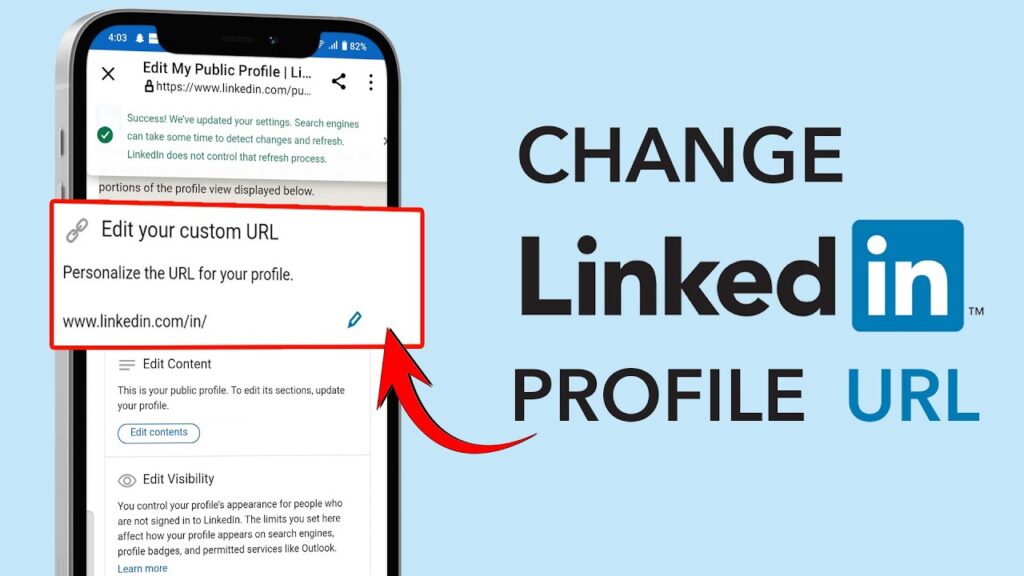
Mobile interfaces often hide features under layers designed for aesthetics. That’s why so many users ask where to find the LinkedIn URL on the app, especially job seekers applying through a phone.
On the app, the link feels almost hidden—behind the profile icon, inside tiny menus, waiting patiently for the right tap. Once you learn the path, you never forget it. It becomes muscle memory.
Updating Your Resume On LinkedIn
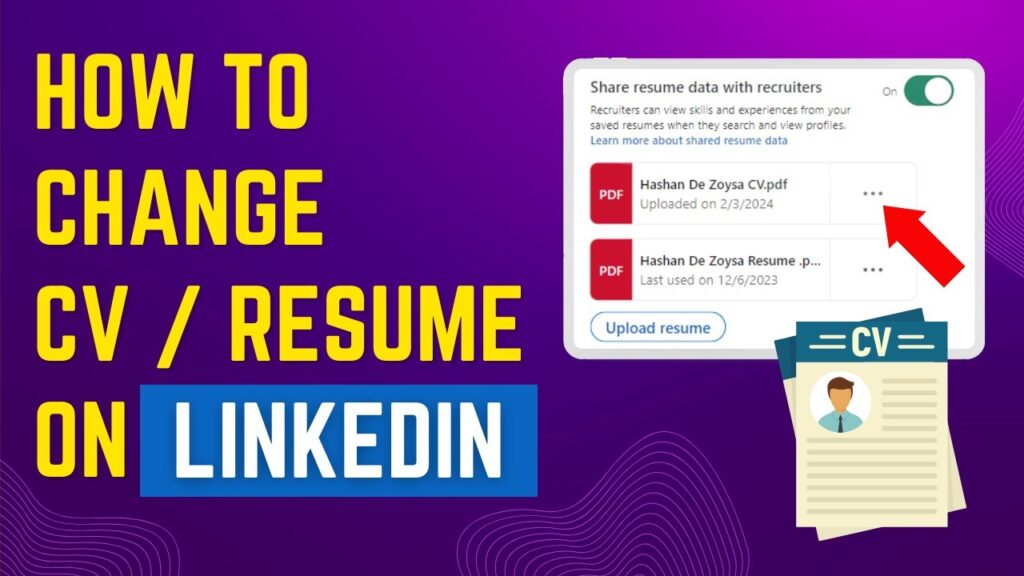
There comes a moment—a job opening, an unexpected recruiter message, a sudden opportunity—when people urgently search how to update a resume on LinkedIn. It’s a moment layered with excitement and mild anxiety.
Updating a resume isn’t just uploading a file. It’s a tiny reinvention. A chance to rewrite your story with new responsibilities, new achievements, and a clearer direction. LinkedIn becomes less of a social platform and more of a personal branding canvas.
Downloading Your Resume From LinkedIn
Users also wonder how to download a resume from LinkedIn, usually during job applications when a quick PDF is needed. This small feature often surprises people because the exported resume highlights your profile in a neat, structured format.
It’s almost like seeing a mirror version of yourself—organized, tidy, professional. That feeling alone makes people rely on the feature repeatedly.
Understanding CFBR On LinkedIn
A lot of curiosity surrounds what CFBR is on LinkedIn, especially among new creators or analytics-focused users. CFBR can be confusing at first because LinkedIn never loudly explains it.
But once you understand it relates to content performance patterns, it becomes clearer. You start noticing engagement differently—why some posts take off while others fade quietly. CFBR becomes a small window into how visibility works.
Interpreting Impressions On LinkedIn
Another frequently asked question involves what an impression is on LinkedIn. People often misunderstand it, thinking impressions equal engagement. But impressions simply reflect views—how many times your post appeared on screens.
Interpreting impressions becomes an art. You learn what resonates, what timing works, what tone creates interest. Slowly, your posting strategy matures. And suddenly, LinkedIn feels less random.
Managing Premium And Canceling It Smoothly
There’s always a moment when people reconsider their subscriptions. That’s when searches for how to cancel LinkedIn Premium spike. It’s not about dissatisfaction—it’s about budgeting, priorities, or shifting career phases.
Canceling Premium feels oddly emotional for some. It’s like leaving behind extra tools you might need someday. But knowing you can return anytime makes the decision easier.
Deactivating Your Account When Needed
Sometimes LinkedIn becomes too noisy. Too many notifications. Too many pop-ups. Too much performative activity. And in those moments, people crave quiet, searching for how to deactivate a LinkedIn account.
Taking a break can be healing. Deactivation isn’t a goodbye—it’s a pause. A chance to reset your online presence, gather your thoughts, and return with fresh energy whenever you choose.
Unblocking Someone And Moving On
We’ve all blocked someone in the heat of a moment—spam accounts, unwanted messages, or just uncomfortable interactions. But later, reconciliation or curiosity nudges you to search for how to unblock on LinkedIn.
Unblocking feels symbolic. A small release. A gentle undoing of a digital wall. It’s these subtle emotional nuances that make LinkedIn much more human than it appears.
Conclusion
LinkedIn isn’t just a networking platform—it’s a maze of useful features people discover one need at a time. Whether you’re learning how to get a LinkedIn profile link, updating files through how to update a resume in LinkedIn, figuring out metrics like what is an impression in LinkedIn, or even pausing activity with how to deactivate a LinkedIn account, every action shapes your digital professional identity. Mastering these small tasks quietly empowers you, helping you navigate opportunities with confidence instead of confusion.