
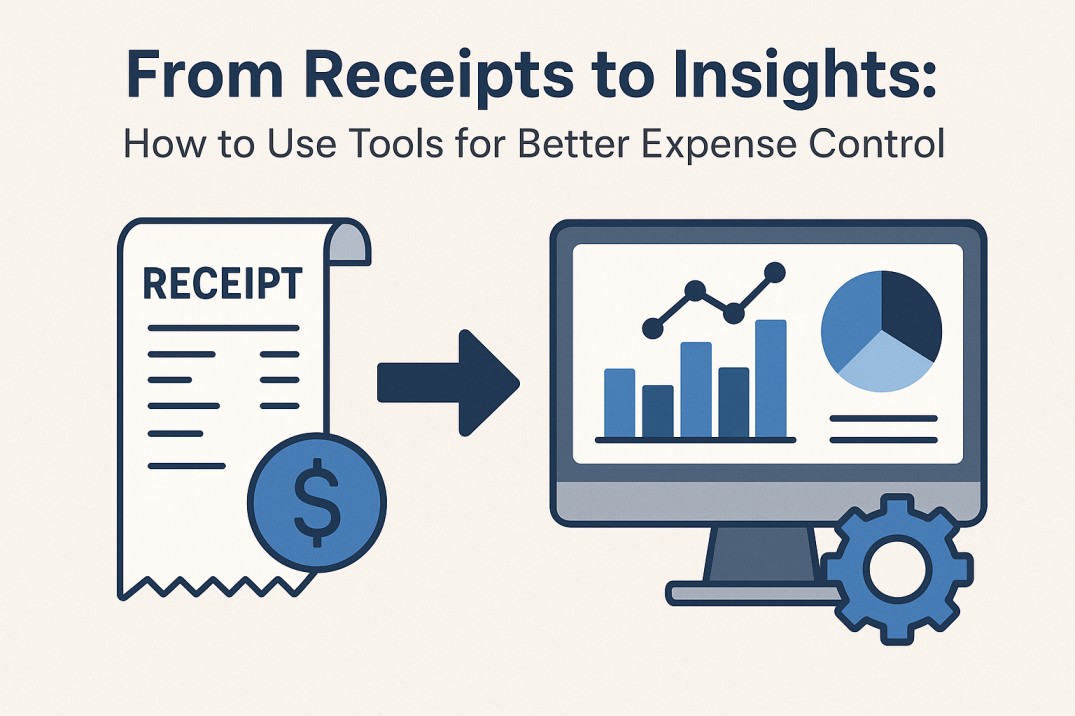
One of the simplest methods to relieve stress from personal money and business operations is to maintain a clean spending log. Too many teams continue to rely on memory, disorganized spreadsheets, or dispersed paper receipts, all of which are prone to errors, hold-ups, and disputes over payments. Maintaining a consistent practice of documenting purchases as they occur helps to avoid a ton of paperwork at the end of the month and makes audits easier. Clarity is also brought about by being able to know where the money is going. This allows you to identify trends and decide whether to increase or decrease investments.
Efficient spending practices are important for both accounting and morale. Employee satisfaction is maintained via prompt reimbursements, and finance staff can concentrate on higher-value work when records are kept clean. Hours later, are saved by the simple everyday effort of adding a line of context or labeling a receipt. Real-time spending tracking reduces uncertainty and improves budgeting for upcoming travels and campaigns, especially for project teams and travelers. By adopting regular expense tracking procedures, bookkeeping is transformed from a tedious task into a dependable component of work completion.
Convert Receipts into Valuable Information
You may improve budgeting and decision-making by reducing errors, expediting approvals, capturing spending more rapidly, and turning raw receipts into useful reports with these six targeted measures.
1. Take pictures right away; don’t wait.
Take a picture of the receipt or make a note of the amount as soon as you make a transaction. Quick action avoids missed transactions and misplaced slips. Making capture a habit turns reconciliation from a stressful scramble into a quick, routine procedure.
2. Include a brief line of context
Write down one line that explains the goal, such as the client’s name, the project code, or the reason for the meeting. Instead of considering every receipt as anonymous, this small bit of context lets teams link expenditure directly to outcomes, expedites approvals, and answers questions later.
3. Make Use of Clear, Uniform Categories
Don’t stray from a modest list of categories. Consistency simplifies trend analysis and transforms unstructured data into insightful summaries. Patterns will eventually show which categories require more investment or more regulation.
4. Ensure Clear and Quick Approvals
To ensure that claims are sent to the appropriate reviewer automatically, set approval criteria based on responsibilities and budget thresholds. A consistent procedure lowers bottlenecks, ensures timely reimbursements, boosts employee satisfaction, and minimizes follow-up inquiries.
5. Take a look at an automated expense tracker application
Many teams switch to a specialized expense tracker application that automatically records receipts, makes category suggestions, and submits claims for approval. When several persons submit claims for a single project, this minimizes manual labor, minimizes errors, and offers immediate expenditure visibility.
6. Review insights and reconcile often.
Reconcile every week or every two weeks instead of waiting until the end of the month. Regular inspections result in cleaner reports and early error detection. Post-cycle assessments assist in identifying chances for negotiation, repeated overspending, or changes to policies that enhance control.
In conclusion
A short set of principles and basic daily routines transform financial chaos into clarity. Reimbursements are accelerated and budgets are sharpened by taking rapid receipts, adding context, using consistent categories, and limiting approvals. Benefits are amplified when automation is implemented with the appropriate tools, allowing teams to concentrate on work rather than paperwork.