
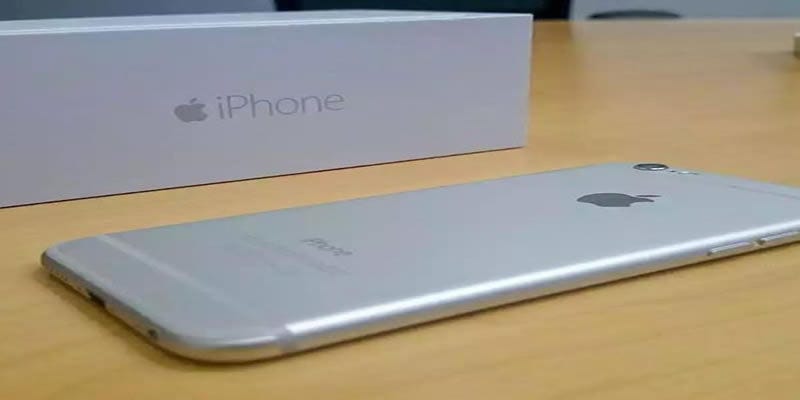
The moment you decide it’s time to let go of your iPhone, something interesting happens. You suddenly remember how much of your life is stored inside it — photos, saved passwords, random notes, call logs, apps you no longer use, apps you rely on daily, and sometimes even things you forgot existed. That’s exactly why searching for Top 5 Security Checks Before Selling Your Old iPhone becomes a natural first step. People don’t wake up wanting to dig through settings, but the idea of handing over a device with sensitive data still inside feels… uncomfortable, almost like giving someone the keys to your old house while some drawers are still open.
At the same time, the market for old iPhone buy services keeps growing, and sellers want to get a fair price without exposing personal data. In fact, the process becomes a balance between wiping your device properly, transferring your important stuff, and making sure the transition feels smooth rather than chaotic. And somewhere in that process, users also think about how to move everything to their new phone — because upgrading is part excitement, part nervousness.
Anyone who has moved devices knows the feeling of checking twice (or five times) whether everything transferred correctly. Searching “how to transfer data from old iPhone to new iPhone” becomes part of the ritual.
Before you sell old iPhone devices, there’s a small mental checklist you build. Sometimes it’s detailed. Sometimes it’s just a vague sense of “Let me not forget anything important.” The interesting part is how each user approaches the process differently. Some dive straight into settings, some ask a friend, while others keep scrolling until they find a clear step-by-step explanation.
This guide captures all of that — the tiny hesitations, the essential security steps, and the natural flow of preparing your device for a safe handover. You can follow it casually, jump between sections, or read it as one long narrative. Everything ties back to helping you navigate the transition without stress, and with complete control over what stays with you and what leaves with the phone.
Understanding Why Security Checks Matter Before Selling
When a device has been with you for years, it becomes more than metal and glass. It knows your routines — how often you text, what apps you use late at night, which songs you replay too often, even the websites you visit without thinking. That’s exactly why preparing it for sale requires intention. You don’t want random leftovers floating around once they’re no longer in your hands.
Users preparing to sell old iPhone models usually talk about this moment of realization when they scroll through their old gallery and think, “How do I still have screenshots from 2019?” It’s those small discoveries that push people to slow down and handle the security process carefully.
Backing Up Your Data As A Foundation
One of the earliest steps people think about — even before the cleaning — is backing up their data. The instinct is strong: preserve everything meaningful before wiping the device clean. And it makes sense. When you’re about to upgrade and wonder how to transfer data from your old iPhone to your new iPhone, the backup becomes the bridge that holds everything together.
Some prefer iCloud. Others use a manual computer backup. A few even do both because they want that extra reassurance. The trick is giving yourself enough time so the backup isn’t rushed, especially if you have thousands of photos or backups spanning multiple years.
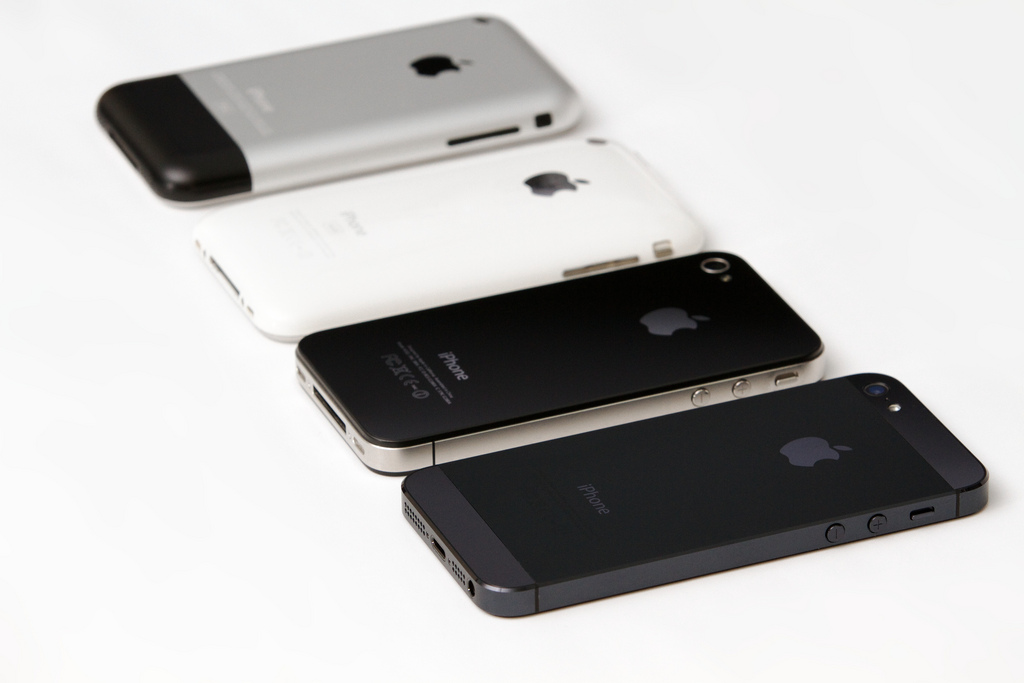
Unlinking Your Apple ID And Services
Apple devices are deeply integrated into your ecosystem — messages sync, notes sync, calendars sync, and even Wi-Fi passwords sync. That’s convenient when you’re using the phone, but slightly tricky when selling it.
Users often describe this step as one of those “slightly annoying but necessary” moments. You navigate to Settings, tap your name, and begin removing the device from your Apple account. The moment you do that, it’s like disconnecting the emotional thread tying your identity to the phone.
Resetting The Device Properly After Sign-Out
Resetting is where the phone truly becomes neutral again — like wiping a chalkboard that held equations you no longer need. But many people rush through this part, forgetting that the reset should only happen after signing out of iCloud. Otherwise, Activation Lock stays on, making the device unusable for the next owner.
The small hesitation before hitting “Erase All Content and Settings” is normal. It’s the final break between your data and the device. Some users take a deep breath, some check one last time if everything was backed up.
Checking For Physical And Internal Damage
Before someone completes an old iPhone buy transaction, the phone goes through a quick evaluation. Even if you’re selling independently, inspecting it yourself can save time. Small scratches may not matter to everyone, but cracked screens definitely do. A device that looks presentable also helps the buyer feel more confident.
Users often describe the surreal moment of cleaning the phone they once treated casually. It’s like preparing something for its next life, making it as neat as possible for the new owner.
Removing SIM Cards And External Accessories
A surprisingly common mistake is leaving the SIM inside. People often remember everything else except the tiny card that actually carries their identity. After resetting the phone, removing it becomes easier, like clearing the last personal detail from the device.
Accessories such as cases or lens protectors can also be removed unless you’re intentionally offering them to the buyer. Small details like this make the handoff smoother and more organized.
Why Transferring Data Before Selling Matters Emotionally
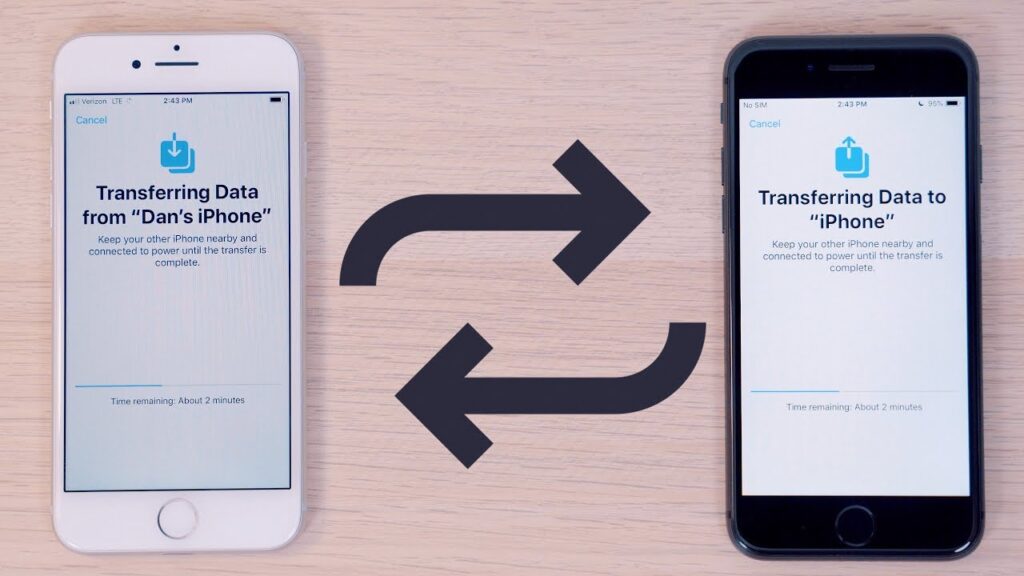
Moving to a new iPhone is exciting, but also a little disorienting. Some apps feel unfamiliar on a fresh device. Some passwords you forgot you even stored. That’s why the search for how to transfer data from an old iPhone to a new iPhone becomes so common.
People often describe tiny moments of relief after seeing their photo gallery restored or messages reappear — almost like meeting old friends in a new house. The transfer process ensures continuity, making your upgrade feel natural rather than abrupt.
What Buyers Expect When Purchasing A Used iPhone
When someone comes to old iPhone buy platforms, they typically expect a clean, reset device with no traces of the previous user. A battery check, a functional test, and a quick demonstration sometimes help create trust between the buyer and the seller.
Some buyers even ask about the original box or charger, even though Apple doesn’t ship chargers anymore. It’s less about necessity and more about psychological reassurance.
How Pricing Usually Works When You Sell Your Old iPhone
People often wonder if timing affects the resale price. Sometimes it does — new iPhone launches tend to drop the value of older models. Other times, storage size or condition becomes the key factor.
The idea isn’t always to get the “best” price, but a fair price that reflects how you used the device. The resale market feels dynamic and slightly unpredictable, yet users share similar experiences across conversations.
Preparing Yourself For The Final Handoff
Once all the essentials are done — wiping, backing up, transferring — there’s a strange quiet moment before the actual sale. You hold the device one last time, knowing it won’t be part of your daily routine anymore. It’s a small sentimental pause before handing it over.
Some people even reset the device twice just to feel confident. Others simply pack it neatly in whatever box they have. Either way, the handoff marks the end of one chapter and the beginning of another.
Conclusion
Selling an iPhone is more than a transaction. It’s a process shaped by memories, habits, and digital traces accumulated over the years. Completing the Top 5 Security Checks Before Selling Your Old iPhone ensures that your data remains yours and the buyer receives a clean device ready for new use. Whether you’re preparing for an upgrade, exploring old iPhone buy options, or simply curious about how to transfer data from your old iPhone to your new iPhone, every step contributes to a smoother experience. With the right preparation, transitioning from your old device to your new one feels natural, secure, and almost effortless.